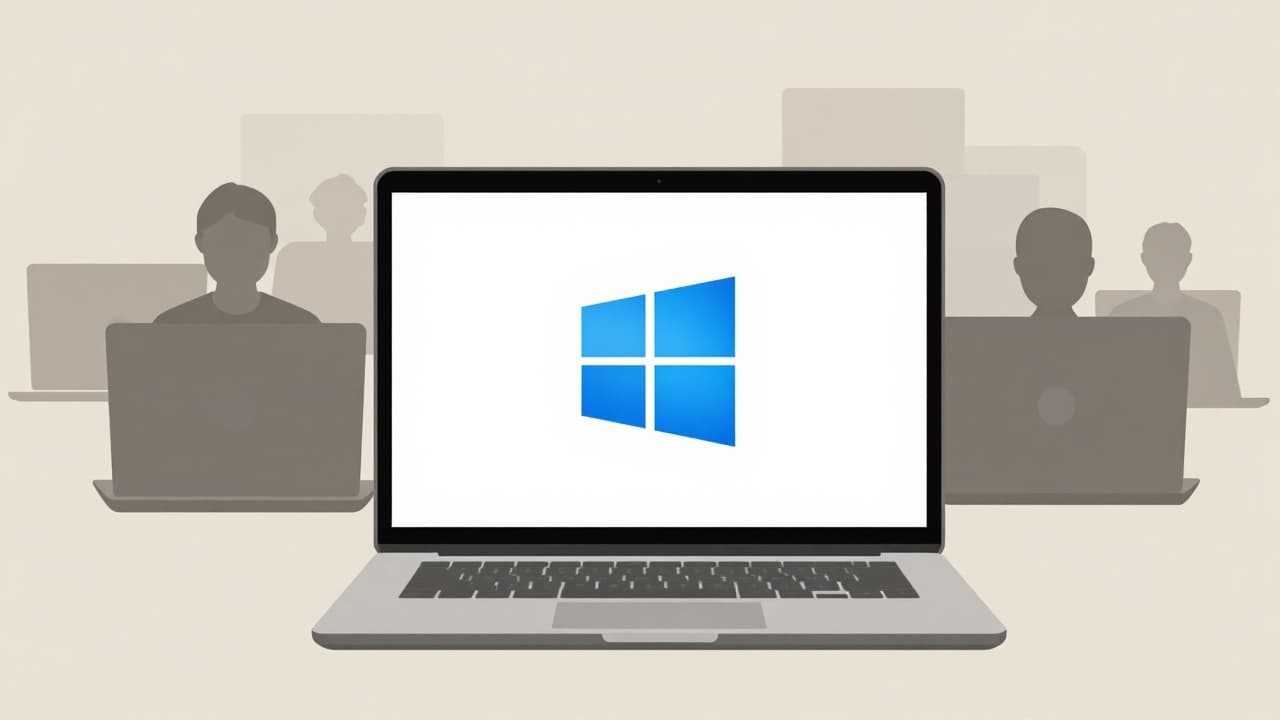
HP and Lenovo laptops have become the latest victims of the latest Windows 11 update. This is the KB5121003 update, released by Microsoft under the 'August Patch Tuesday' banner, with its effects felt by users more than a month after the release.
Issues associated with this update are not new — among those recorded are system crashes during video game play, malfunctioning printers, and difficulties with PDF documents, as well as glitches in the Microsoft Teams application and issues with Outlook on Arm-based computers. However, in September, users noticed that laptops from the brands HP and Lenovo were experiencing specific issues not recorded on other devices.
On HP laptops, the KB5121003 update causes installation issues, as confirmed by users in comments on the Microsoft support forum. One user stated that HP had confirmed the new update for Windows 11 was directly responsible for the new issues on their laptops. Additionally, the update causes corruption or malfunction of the BIOS on certain HP laptops, forcing users to reset the BIOS to resolve the issue and restart the system.
The situation is different for Lenovo laptops — the KB5121003 update causes random disconnection of charging and power supply (AC power). More comments are appearing on forums from Lenovo laptop users stating they are experiencing obvious power issues, and a video recently appeared on YouTube outlining the reasons for power interruptions on these devices. Lenovo and Microsoft have yet to comment on this.
Users who have installed the KB5121003 update on their HP or Lenovo laptops with Windows 11 are advised to delete it for now and wait for new patches that Microsoft will surely release. The update is removed via Windows Update > Update history > Uninstall updates. Those who have not yet received the problematic update on Windows 11 are advised to pause future downloads.